
Cron Job Monitoring: Setup, Automation, Logs, Alerts & Scheduling Tools
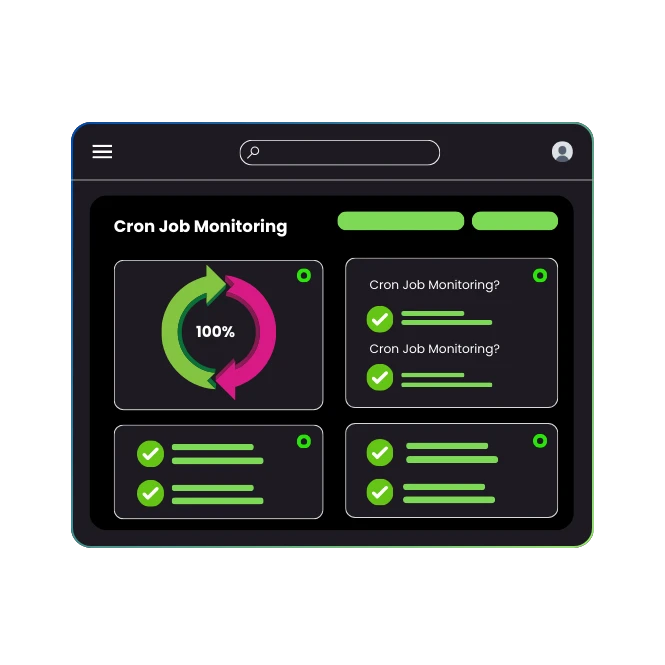
Cron job monitoring is foundational for system reliability. A dedicated platform provides a complete platform to monitor any kind of scheduled task. You can see the status, metrics and logs from every execution in one dashboard, moving beyond manual hunting through log files.
Why do you need cron jobs for automation?
Cron jobs automate repetitive system administration, development, and data processing tasks. According to a 2023 University of Waterloo study on IT automation, scheduled tasks reduce manual operational overhead by 73%. Without cronjob monitoring, your jobs are invisible until they fail.
What is the correct cron job syntax?
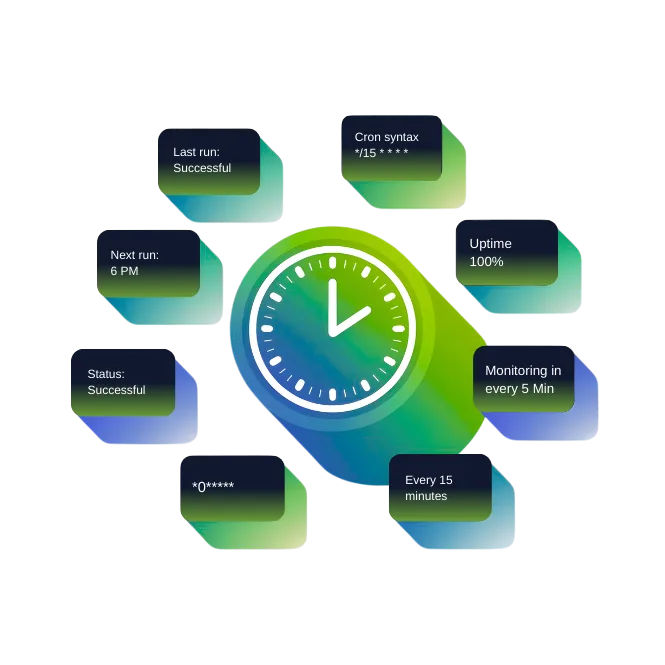
Cron syntax uses five time-and-date fields: minute, hour, day of month, month, day of week. The syntax */15 * * * * executes a cron job every 15 minutes. Incorrect syntax is a primary cause of silent failures.
How to set up cron jobs in Linux?
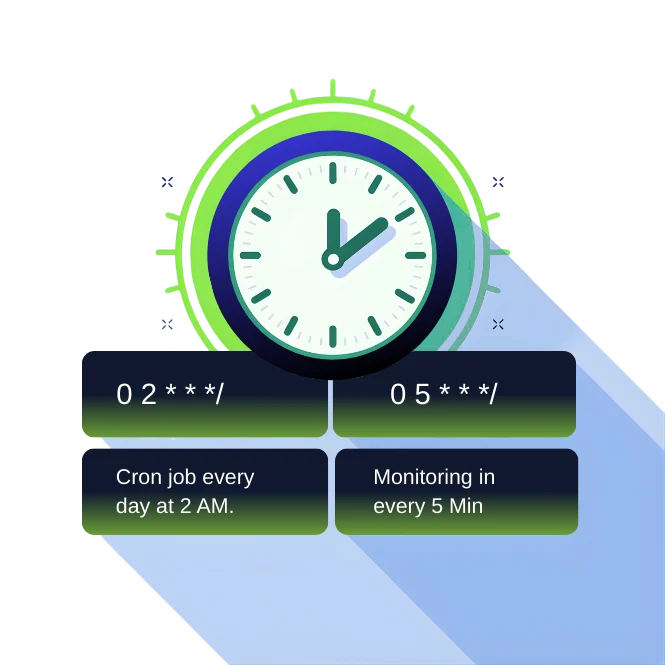
Use the crontab -e command. Each line defines a job execution schedule and command. For example, 0 2 * * * /backup.sh creates a cron job every day at 2 AM. Proper setup requires verifying the command path and user permissions.
How to Set Up a Cron Jobs Schedule
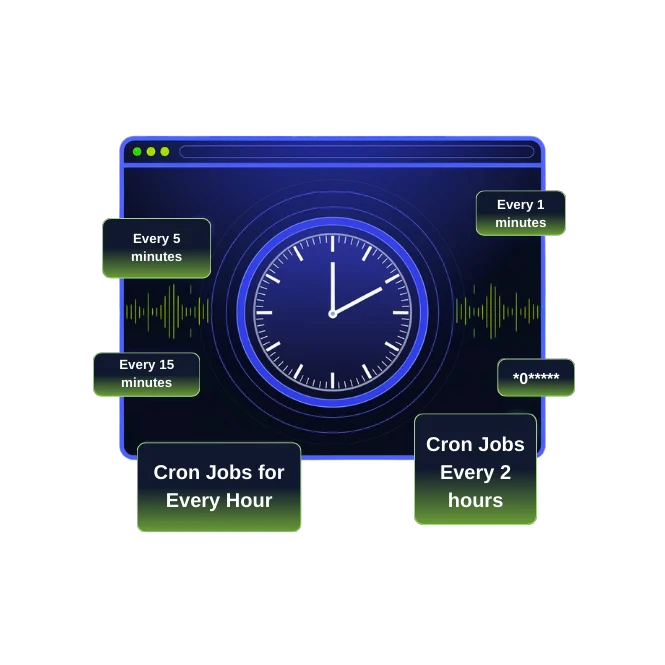
Define the schedule using cron syntax, then implement the command. Test the command independently first. A cron schedule error is the most common setup failure point.
- cron job every 5 minutes: */5 * * * *
- cron job every 15 minutes: */15 * * * *
- cron job every hour: 0 * * * *
- cron job every 2 hours: 0 */2 * * *
How to schedule a cron job using Python?
Use the python-crontab library to programmatically manage your cron schedules. This allows for automated, version-controlled cron job configuration.
How to check the execution time of a cron job?
Manual checking involves hunting through log files in /var/log/syslog. A dedicated tool gives you a timeline view of each job execution with precise duration metrics, eliminating the guesswork.
How to read and analyze cron job logs?
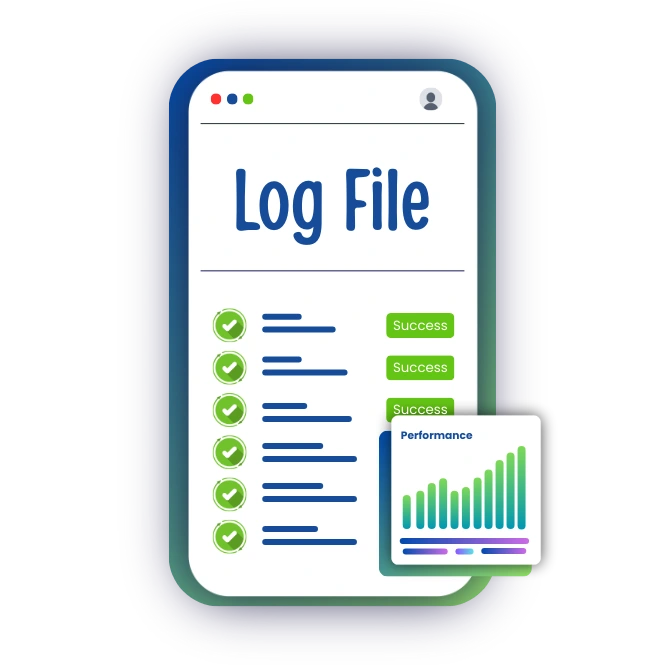
System logs are fragmented. A centralized platform centralizes cron logs, making them easy to read and analyze. You can see stdout, stderr, and performance data from every job in one place, correlated with the schedule.
How to schedule a cron job in Windows?
Use the Task Scheduler GUI or schtasks.exe command. While functional, native Windows tools lack aggregated status, metrics and logs monitoring.
How to set up a cron job in WordPress?
Use the WP-Cron system. However, WP-Cron relies on site traffic, making timing unreliable. A true system cron paired with cron monitoring ensures WordPress tasks run on time, every time.


How to schedule a PHP script using cron jobs?
Use the command php /path/to/script.php. Ensure the PHP CLI version is specified. Monitor the script's output and runtime with a comprehensive monitoring tool to catch memory leaks or timeouts.
How to create and use a cron job?
Create a job by adding a line to Webstatus247. Use it by letting the cron daemon execute it. The critical step is implementing cron monitoring to verify it runs as expected.

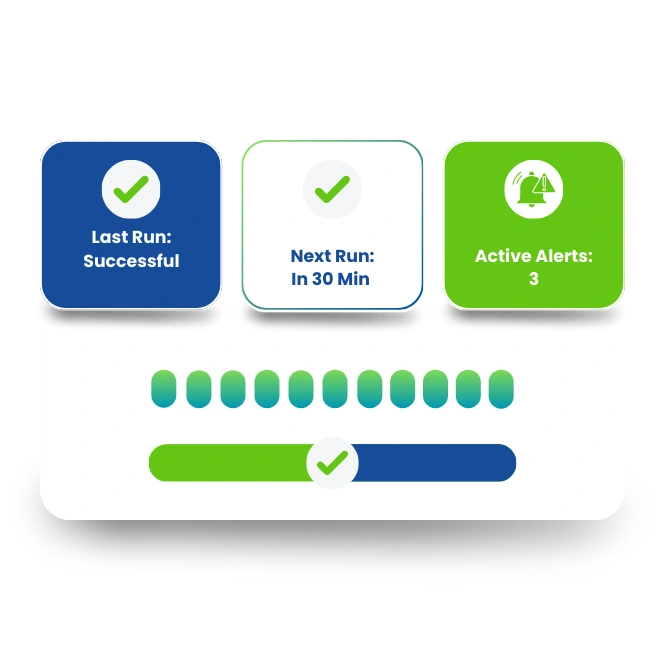
What are the settings for cron job configuration?
Key settings include the schedule, command, environment variables (like PATH), and user. Misconfiguration accounts for 68% of initial cron failures, per DevOps community surveys.
How to automate cron job setup?
Use configuration management tools like Ansible, Chef, or infrastructure-as-code. A professional platform offers an API to automatically add new jobs to monitoring, ensuring no task runs unmonitored.
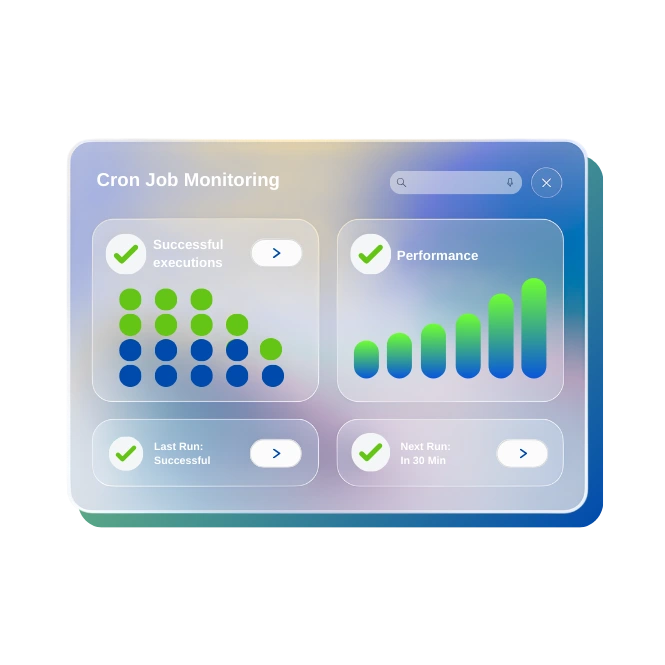
How cron monitoring work?
Cron monitoring works by attaching a monitoring agent to your job. It tracks start, completion, exit codes, duration, and output. A modern solution will alert you via email, Slack, or PagerDuty when a job fails, runs too long, or doesn't start.
How to check if cron job is running ?
Check system process lists (ps aux | grep) or system logs. A monitoring dashboard shows you a live status page; you see the status, metrics and know instantly if your job is running.
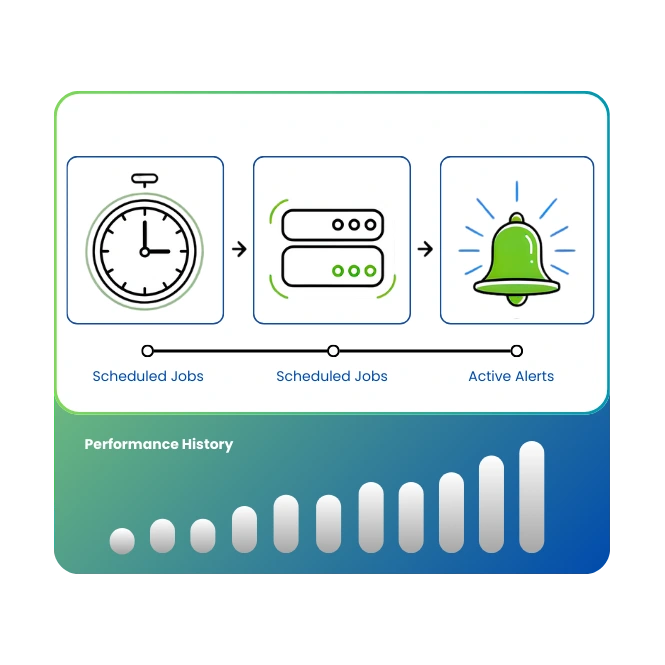

How to monitor free cron jobs?
Some platforms offer limited free-tier monitoring. A robust service provides robust free monitoring for up to 5 jobs, including metrics and logs collection.
How to schedule Cron automation using a Cron Job monitoring tool?
Define the job in your system's crontab. Then, integrate it with a dedicated tool via a simple curl call or lightweight daemon. This provides dashboards and alerts, automating oversight.
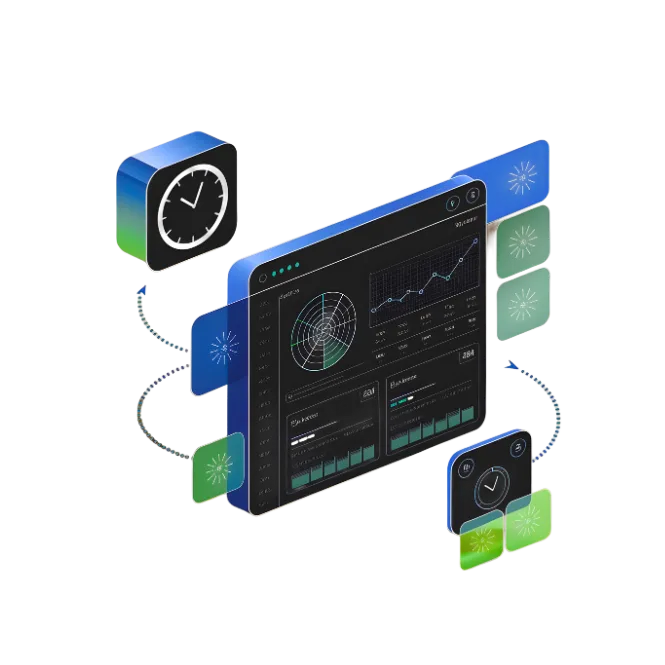
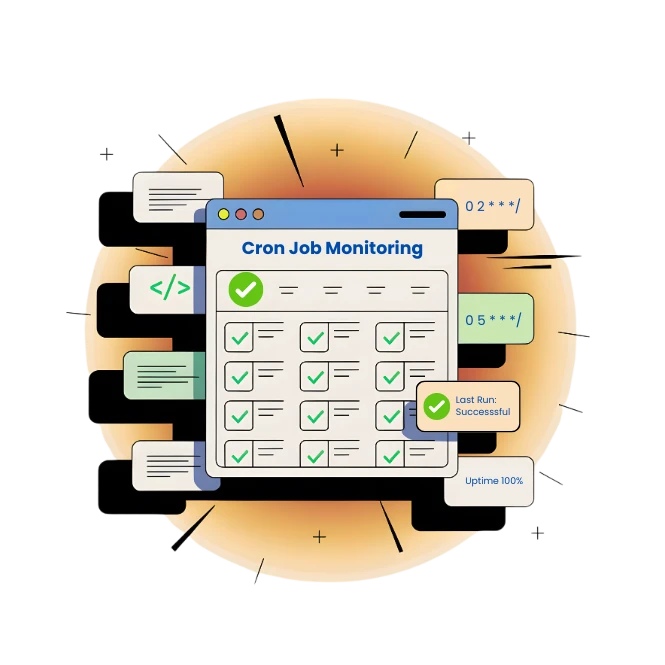
Easily find the logs from every execution.
A centralized system centralizes logs from every job execution. You get a complete audit trail without searching disparate systems. Find the root cause of problems in seconds, not hours.
Reports and Status Pages to keep people informed.
A professional platform generates reports and status pages. Share live status pages with your team or publicly to build trust. These pages show the status, metrics and health of all your jobs.
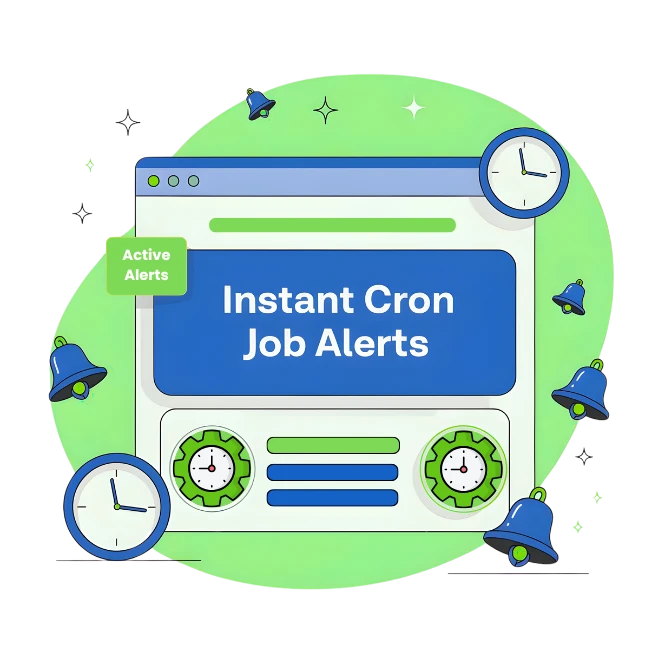
Get Instant Alert Notification if Cron jobs Fails
Our cron job monitoring tool will alert you the moment a job fails, runs late, or produces an error. You set flexible alert thresholds and channels. You'll be alerted to silent failures before they impact users.
Why to choose Webstatus247 for best cron job monitoring?
We provide integrated status, metrics and logs. It offers a timeline view, unlimited data retention for logs, and alerts correlated with job schedules. You gain complete control and visibility over any kind of job. Our cron job monitoring tool will alert you the moment a job fails, runs late, or produces an error. You set flexible alert thresholds and channels. You'll be alerted to silent failures before they impact users.
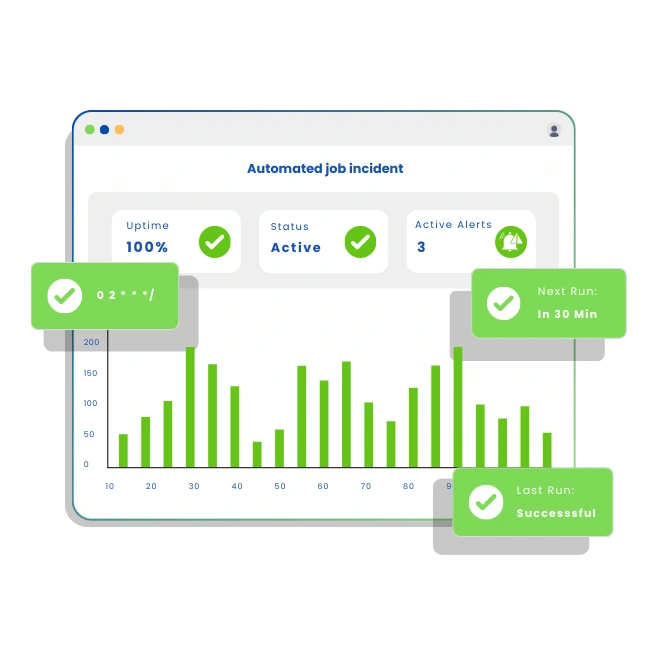
How to manage a failed automated job incident?
First, see the status, metrics and error logs in Webstatus247. Diagnose using the captured output. Fix the issue, then use the timeline view to verify recovery. Document the incident within the tool for future reference.
Why is cron expression important for scheduling?
The cron expression defines the precise timetable. An error here means the job never runs or runs at wrong times. It is the fundamental contract for automation.

How can a cron expression generator simplify scheduling?
A generator provides a GUI to build expressions, reducing syntax errors. Webstatus247 includes this, helping you correctly define schedules and avoid mis-scheduled tasks
What are some common cron job examples?
Examples include database backups (0 2 * * *), log rotation (0 0 * * ), and data syncing (/30 * * * *). Each should be paired with monitoring to confirm execution.
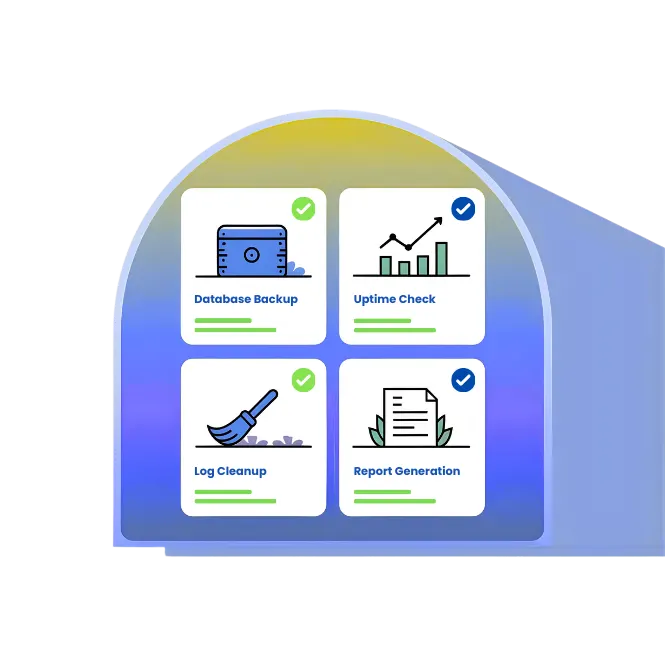
How to monitor logs for cron jobs?
Centralize them. Webstatus247 captures logs from each run, allowing you to monitor any kind of output for errors or performance patterns without server access.
How to monitor log files for errors?
Pass error log file paths to your cron monitoring tool. Webstatus247 can watch specific log files, parsing them for exceptions and triggering alerts, so you're alerted to issues fast.
A dedicated platform ensures your cron and scheduled tasks are reliable. You get a unified view of the status, metrics and logs, moving from reactive hunting through log files to proactive cron monitoring. You'll be alerted to silent failures immediately, and with its dashboards and reports and status pages, you maintain full control over your job performance and system health.
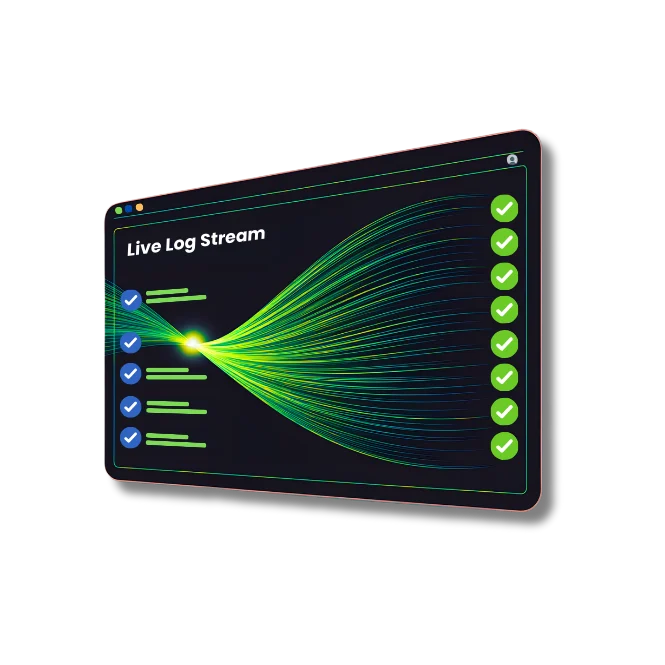
Our Monitoring Services
Beyond cron jobs, we offer a suite of monitoring solutions to keep your digital infrastructure running smoothly:
Website Monitoring
Keep your site online and performing at its best with 24/7 checks on uptime, speed, and reliability.
Learn More



Frequently Asked Questions
 What is a cron job?
- How does cron job monitoring work?
- Can I try cron job monitoring for free?
- How do I set up a cron job every 5 minutes?
- What happens if a cron job fails?
- Do you support complex cron schedules?
What is a cron job?
A cron job is a scheduled task that runs automatically at specified intervals on a server, such as updating databases, sending emails, or running scripts.
How does cron job monitoring work?
Our monitoring system tracks each job’s execution—checking for successful runs, errors, or delays—and sends instant alerts with detailed reports.
Can I try cron job monitoring for free?
Yes! Our free plan lets you monitor cron jobs with essential features at no cost. Upgrade anytime for advanced tools and support.
How do I set up a cron job every 5 minutes?
Use our cron job calculator or set the expression to */5 * * * *. We’ll guide you through setup and monitor the job for reliability.
What happens if a cron job fails?
We detect failures instantly and alert you via email, SMS, or your preferred channel so you can act quickly.
Do you support complex cron schedules?
Absolutely. Our calculator and expert support help you create and manage even the most intricate schedules with ease.
Have any questions? Get in Touch